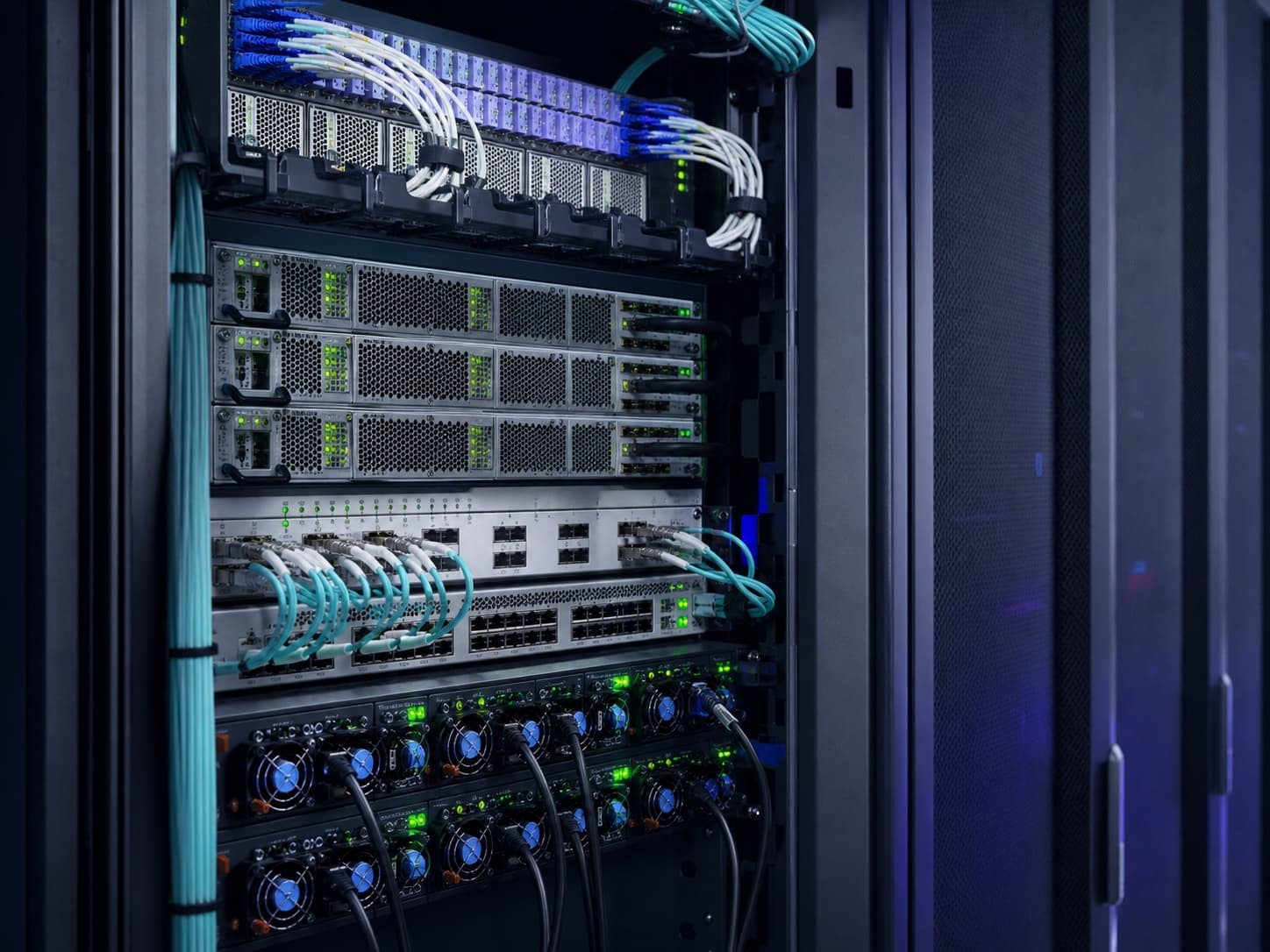
A production environment sized around the real workload
Frontend, API, agent runtime, workers, and storage are deployed as one operating system.
AI AGENT / MCP / FULL-STACK DEPLOYMENT
Agenway takes the workflow from agent design and MCP connections to the web app, database, production deployment, and the cloud infrastructure underneath.
One delivery path from idea to live URL
No perfect technical brief needed · Thai and English project support
READY FOR THE STACK
YOU ALREADY RUN
All product names and logos are trademarks of their respective owners.
BUILT TO GO LIVE
Agenway connects the product and the infrastructure. The handoff covers the working system, the data layer, and the operating path—not a disconnected prototype.
Frontend, API, agent runtime, workers, and storage are deployed as one operating system.
The agent receives scoped access to the tools and data required by the workflow, with clear approval points and fallback behavior.
A PostgreSQL or MySQL schema, migrations, file storage, and a practical recovery path.
Domain, SSL, logs, health checks, and backups are part of the deployment—not an afterthought.
Keep service, billing, and technical context together through the Client Portal and support tickets.
PRICING
Start with a one-time $5 welcome credit, then choose a monthly KVM Cloud VPS with dedicated resources and NVMe storage.
FREE WITH $5 WELCOME CREDIT
Try a Cloud VPS for the first month with welcome credit
$5 credit covers the first $4.90 invoice
$4.90/mo
MONTHLY · NO SETUP FEE
Automation, prototypes, and internal tools
Renews monthly in USD
$14.99/mo
Most popular
MONTHLY · NO SETUP FEE
Production apps and small AI agents
Renews monthly in USD
$21.99/mo
MONTHLY · NO SETUP FEE
Growing SaaS products, APIs, and databases
Renews monthly in USD
$39.99/mo
MONTHLY · NO SETUP FEE
Multi-service stacks and heavier workloads
Renews monthly in USD
$69.99/mo
New verified customers receive one $5 USD welcome credit. Cloud Trial is $4.90 for the first month, requires a saved live Stripe payment method for renewal, and is limited to one per customer while trial capacity is available. Monthly renewal, tax, and cancellation terms are confirmed at checkout.
PLATFORM
Dedicated vCPU, RAM, and NVMe storage on KVM virtualization — your workload never competes with noisy neighbors.
High-speed networking with always-on DDoS filtering and a managed firewall in front of every server.

Plan snapshots and backup routines before risky changes, with a recovery path documented around the workload.

Keep service details, billing history, and support tickets attached to one customer account.
POPULAR DEPLOYMENTS
Examples of workloads Agenway can scope, connect, and deploy with you.

Run your own always-on AI assistant on a private server, with your data fully under your control.
Plan an OpenClaw deployment
Host persistent, context-aware AI agents that keep working for you around the clock.
Plan a Hermes deployment
Spin up private multiplayer worlds with low latency, mod freedom, and instant restarts.
Discuss a game serverCLIENT PORTAL
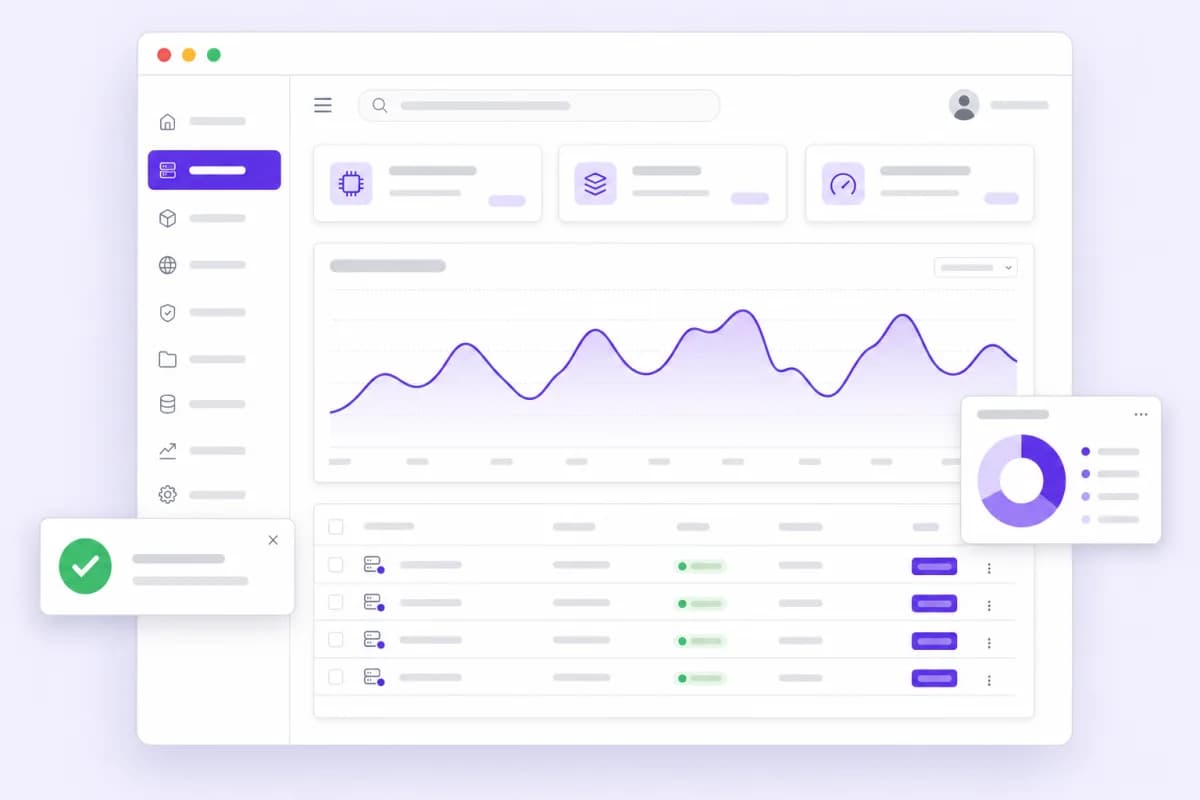
Service details, billing history, and support tickets stay attached to one customer account.
GLOBAL NETWORK
Region availability changes with upstream capacity. Use this coverage list as a starting point, then confirm the current location before ordering.
USE CASES
Host inference APIs, chatbots, and agent workflows with room to scale as usage grows.
Run production web applications and backends in a stable, isolated environment with full control.
Deploy n8n, Docker, WordPress, databases, and other self-hosted tools in minutes.
Handle traffic spikes with dedicated resources and fast NVMe storage under your store.
Review availability, renewal pricing, tax, and commercial terms in the Client Portal before checkout.
Define monitoring, backups, recovery, and support routing around the workload before it goes live.
FAQ
A Virtual Private Server (VPS) is an isolated server environment with its own dedicated CPU, RAM, and storage. Use it to host websites, web apps, APIs, databases, automation tools like n8n, game servers, or AI workloads — anything you would run on your own server, without managing physical hardware.
KVM (Kernel-based Virtual Machine) is full virtualization that gives your server truly dedicated resources and strong isolation from other tenants. You get full root access and can run any Linux distribution or custom kernel.
Shared hosting puts many websites on the same environment with shared resources and limited control. A VPS gives you dedicated resources, root access, and the freedom to install anything — with performance that doesn't depend on other users.
Anything that runs on Linux: Docker, n8n, WordPress, PostgreSQL, Redis, Node.js, Python, control panels like cPanel or Plesk, and AI tools. You have full root access from day one.
Contact Agenway to confirm whether the current service can be resized or whether the workload needs a migration plan. The available path depends on the service and infrastructure in use.
Billing is handled through the Client Portal. Review the initial price, renewal price, tax, billing cycle, and cancellation terms shown at checkout before you order.
Review current availability, renewal pricing, tax, and commercial terms in the Client Portal. Contact Agenway before checkout if the workload needs a specific region, network setup, backup policy, or support path.
GET STARTED
Create an account to keep service and support context together, or contact us to compare a practical starting point before you order.
Open the Client Portal